
Find things fast
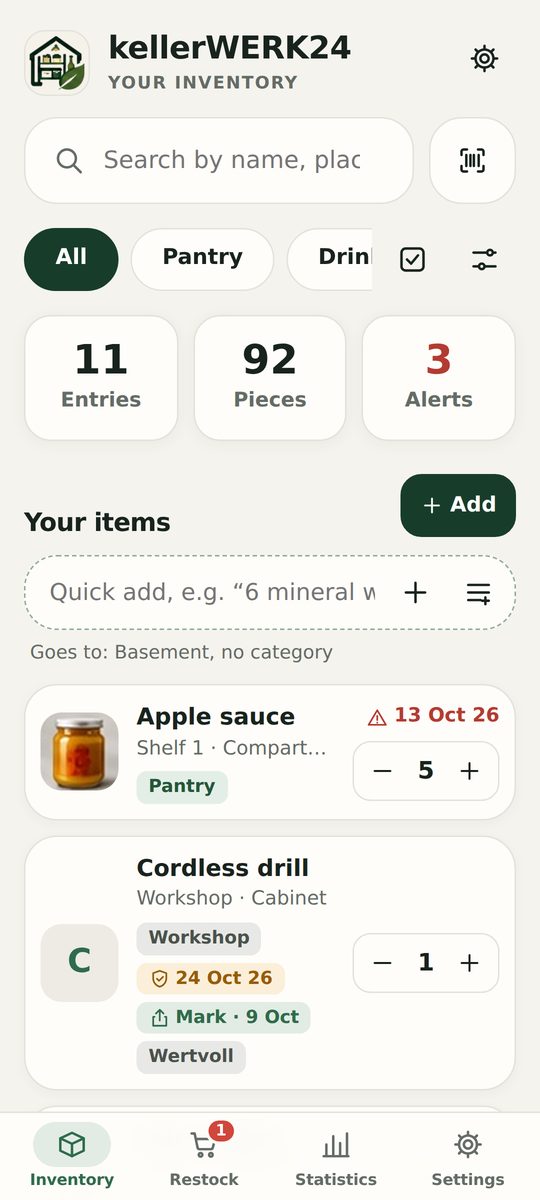
Search by name, place, category or tag – even inside the contents lists of your boxes. Or just scan a barcode or QR label.

For iPhone, iPad (iOS 17 or later) and Android – or right in your browser at wirkapp24.de/kellerwerk24/app. In the apps 30 items free – no account, no ads. In English and German.
For everything you keep in the basement, pantry, garage or attic – from a jar of tomatoes to a power drill.
Search by name, place, category or tag – even inside the contents lists of your boxes. Or just scan a barcode or QR label.
Room › shelf › box – with photos and a contents list. Print QR labels, stick them on, scan and see what’s inside.

Set a minimum quantity – anything below it goes on the shopping list with one tap. After shopping, check items off and book them back into stock.

Track best-before dates, even for several batches. What expires first comes first – so you throw away less.
The app only notifies you on days when something needs restocking, expires or should be returned.

Usage, waste, an emergency supply check based on German civil protection guidelines, and an inventory list for your home insurance.
If you like, your recipe app knows your pantry: what you cook is deducted automatically, and the shopping list is the same on both sides.
Diapers and baby formula in the emergency supply, a medicine cabinet with expiry dates, checklists like the hospital bag and baby clothes by size – optionally connected to NestWERK24.
A storage map at a glance, a freezer list with freezing dates and your own use-by dates, suggestions for decluttering and, in the browser, adding items by voice.
Screenshots from the app with sample data.
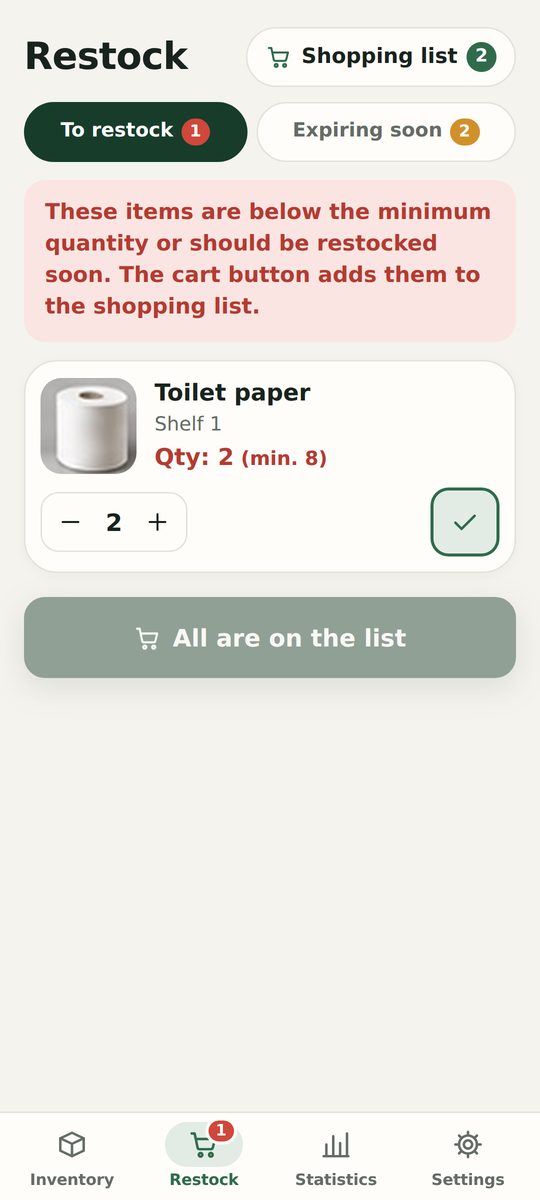
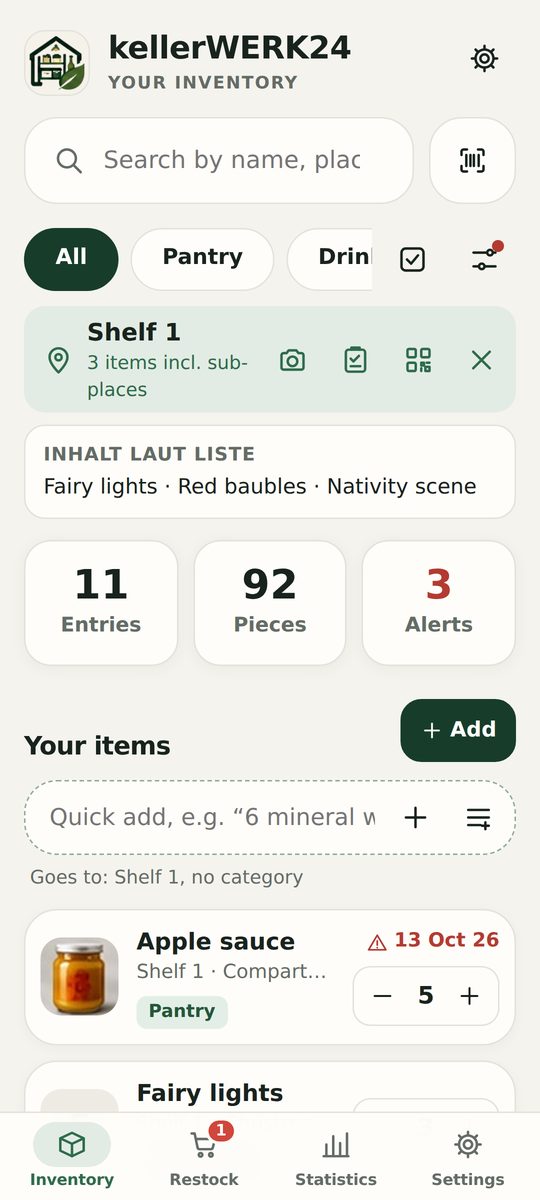
Try it risk-free: the first 30 items are free, with all basic features and backup.
Prices for Germany including VAT. In other countries, Apple and Google set prices in local currency. Billing is through your App Store or Google Play account; subscriptions renew automatically until you cancel them there.
kellerWERK24 needs no account. Your inventory, photos and receipts stay on your phone.
If you use several devices, they sync through your own web space (PHP is enough) – not through our servers.
No ads, no analytics – neither in the app nor on this website.
kochWERK24 and NestWERK24 only receive what the connection needs – and only after you switch it on. Details in the privacy policy (German).
Yes. The app follows your device language (English or German); you can also change it in the app settings.
No. The app works without sign-in and without internet. You only need your own web space to sync between devices.
All your data stays and can still be viewed, edited and backed up. Only new items beyond 30, sync and reminders are locked.
Yes. Both apps sync through the same server – for example if part of the family uses an iPhone and the rest Android.
As a backup (one file with all photos and receipts), as a spreadsheet (CSV for Excel and Numbers) or as an inventory list (PDF). This also works in the free version.
More questions? Email info@wirkapp24.de (English is fine) or see the support page (German).